
Expense Tracking
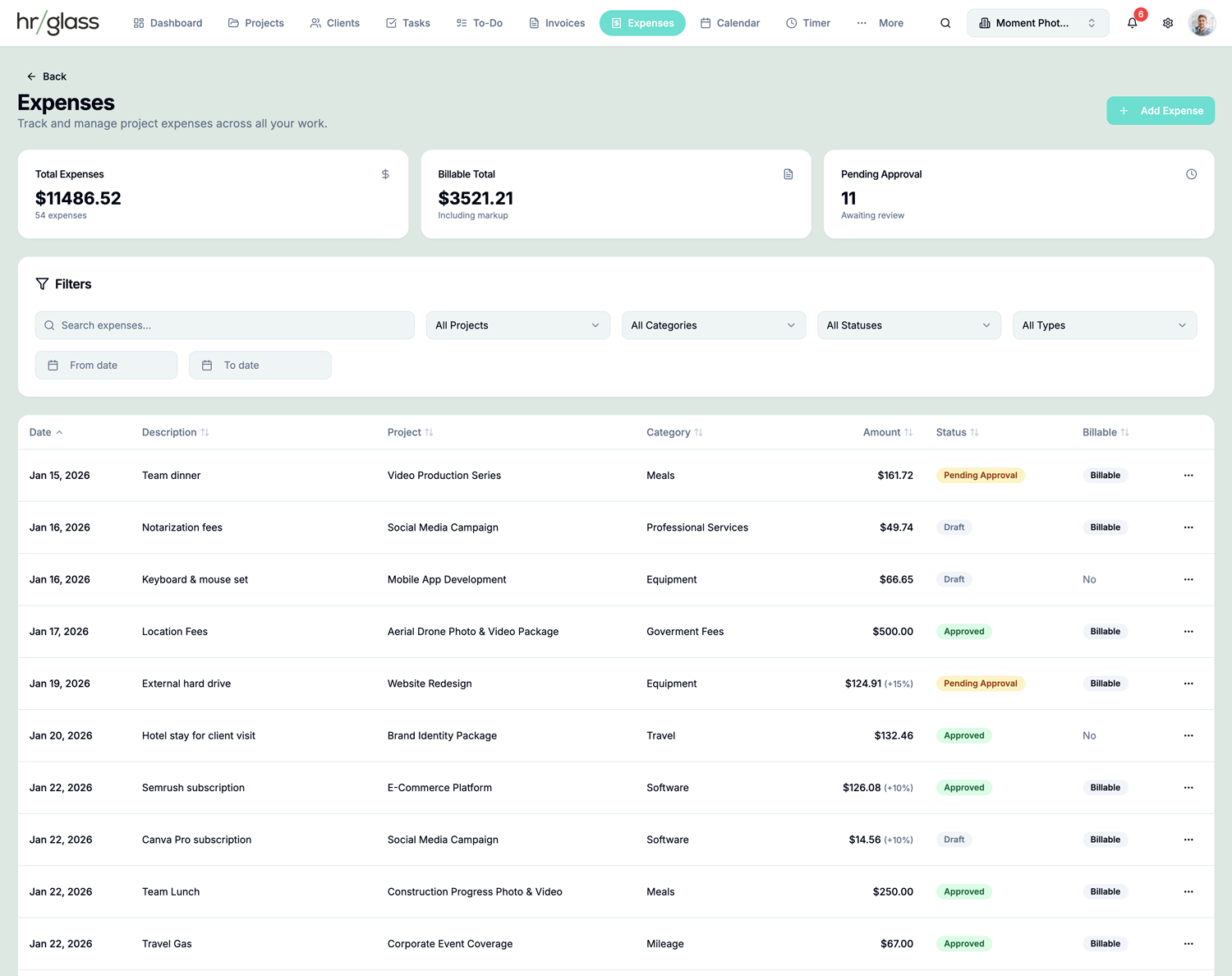
Never miss billing your expenses with direct project to invoice expense tracking.
Receipt Uploads
Attach receipt photos or documents to every expense for complete records
Approval Workflows
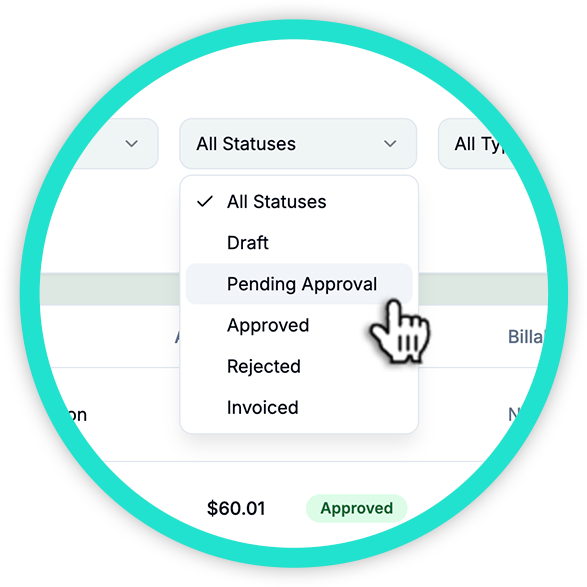
Team expenses go through approval before billing—maintain financial oversight
Custom Categories
Organize expenses by category (travel, materials, software, etc.) for clear reporting
Mileage Tracking
Log mileage with configurable per-mile or per-km rates for travel expenses
Markup Billing
Add markup percentages to expenses and pass costs to clients on invoices
Invoice Integration
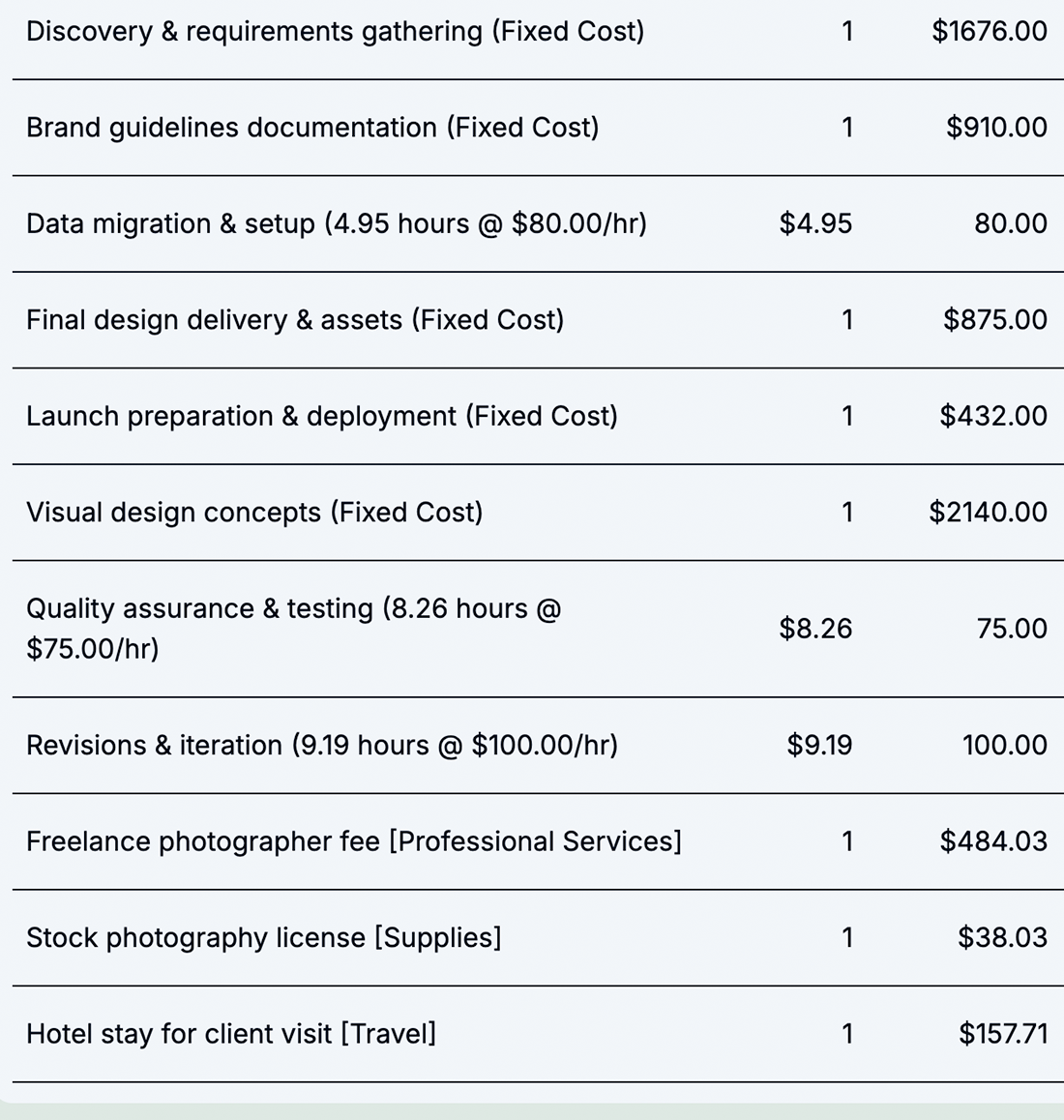
Include approved expenses on client invoices with one click
How Expense Tracking Works in hr/glass
Log Expense
Record the cost, attach receipt, assign to project, and set category
Add Markup
Optionally add a markup percentage for client billing
Get Approval
Team expenses go through manager approval workflow
Bill Client
Include approved expenses on the next invoice with one click


Complete Expense Visibility from Start to Finish
hrglass Expenese Management gives you everything in one place:
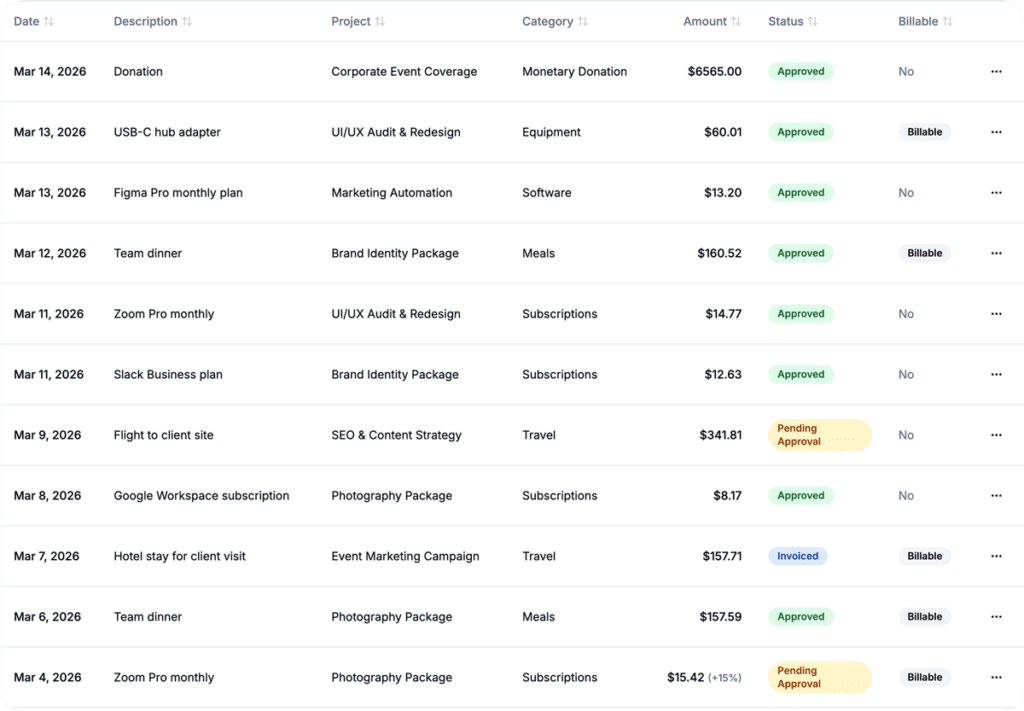
Log expenses with receipts, add markup, and bill back to clients
Tracking expenses shouldn’t slow you down. Stay organized with pre-defined or custom categories, log mileage on the go, and upload receipts in seconds. Mark expenses as billable or non-billable, seamlessly roll them into project invoices, and gain clear insights with built-in expense and profitability reporting.
Who would use hr/glass for Expense Management?
Freelancers
Track software subscriptions, materials, and travel costs per client
Agencies
Manage team expenses across multiple projects with approval workflows
Consultants
Bill back travel, materials, and third-party costs with transparent markup
Rachel Green, Interior Design Consultant
“I used to eat at least $500/month in unbilled expenses. Now everything gets captured and billed back automatically.”
Common Questions About Expense Management
Yes! Attach photos or documents to any expense entry for complete records.
Log miles or kilometers with a configurable rate. Choose per-mile or per-km calculations.
Yes—set a markup percentage on any expense that gets added to the client invoice.
You can enable approval workflows so managers review expenses before they’re billable.