
Custom Reports
hrglass reports give you instant visibility into revenue, profitability, team utilization, and more. Build custom reports with 20+ filters, save configurations for regular use, and export everything to CSV when you need deeper analysis.

Generate reports for anything. Understand which projects are actually profitable.
20+ Report Filters
Filter by date range, client, project, team member, status, billing type, and more
Visual Dashboards
Charts and graphs that make data instantly understandable
Team Utilization
Track billable vs. non-billable hours per team member
Profitability Metrics
See revenue vs. cost per project, client, or team member at a glance
Saved Report Configs
Save filter configurations and reload them for regular reporting cycles
CSV Export
Export any report to CSV for further analysis in Excel or Google Sheets
How Reports & Analytics Works in hr/glass
Instant Reports Dashboard
Monthly Revenue, Year-to-Date Revenue, Project & Task Completions, and Projects with a Balance.
Apply Filters
Narrow results by date range, client, project, team member, and more
Analyze Results
Review charts, tables, and key metrics in the visual dashboard
Save or Export
Save the report configuration for reuse or export data to CSV
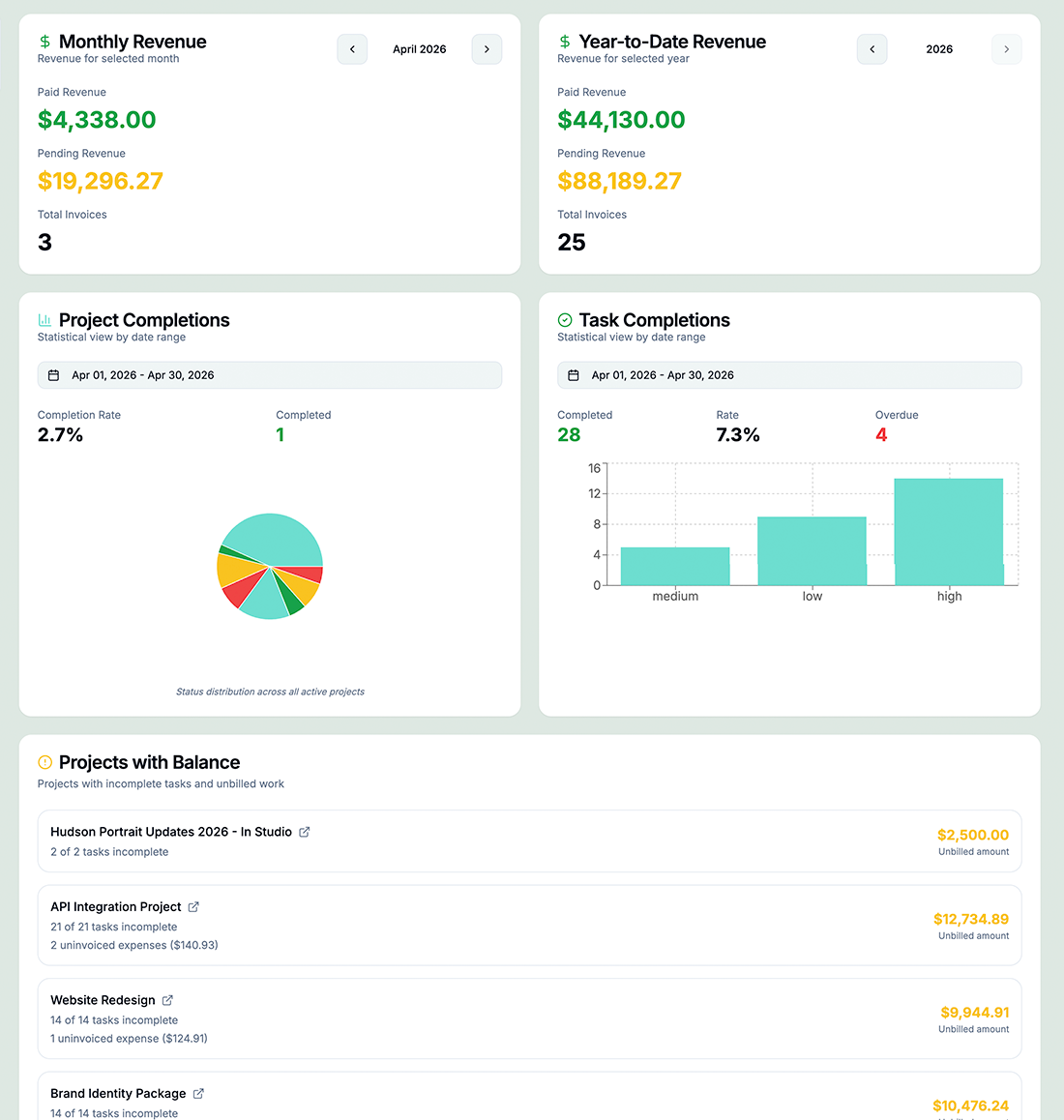


Analyze detailed reports with the Custom Report Generator
With 20+ filters, custom reports are tailored to you.
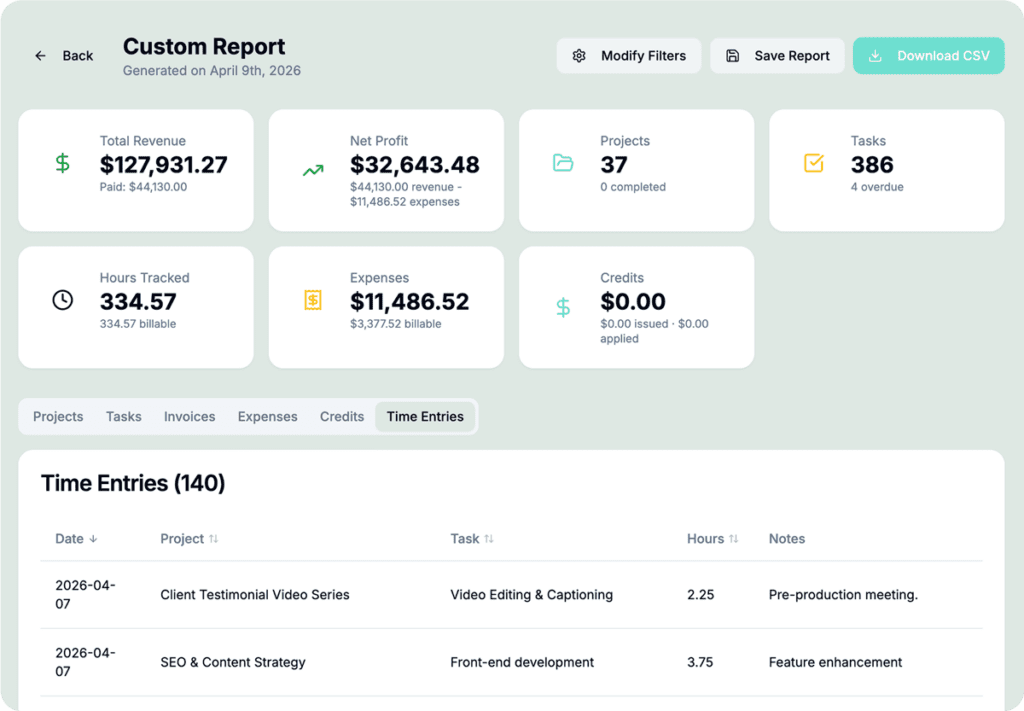

Custom Reports Generator
The Custom Report Generator lets you slice your business data any way you need it. Combine filters across clients, projects, task statuses, team members, invoices, and expenses; then choose which of eight data sections to include: Revenue, Net Profit, Projects, Tasks, Time Tracking, Invoices, Budget, and Expenses. Save report configurations to re-run them in one click, with timeframe presets ranging from This Month to fully custom date ranges.
Who would use hr/glass for Invoicing?
Freelancers
Track monthly revenue, identify most profitable clients, and forecast future earnings
Agencies
Monitor team utilization, project profitability, and client account health
Consultants
Generate detailed client reports showing hours, deliverables, and budget utilization
Nina Patel, Business Consultant
“For the first time I can actually see which clients are profitable and which are costing me money. Game changer for my business decisions.”
Common Questions About Invoicing
Revenue reports, profitability reports, time reports, task completion reports, and fully custom reports.
Yes! Save any filter configuration and reload it with one click for regular reporting.
Absolutely. Export any report to CSV for further analysis in your preferred spreadsheet tool.
Yes—see billable vs. non-billable hours per team member with utilization percentages.