
Estimates

Estimates and Proposals built-in and integrated with projects and tasks.
Branded Templates
Apply your logo, colors, and custom fields for a professional client experience
Tasks/Services as Line Items
Add Tasks (any billing type) and Services as Line Items for a clean breakdown of the proposed project
Attach Contracts
Protect yourself with clear terms before starting any engagement—no more handshake deals
Email & Status Tracking
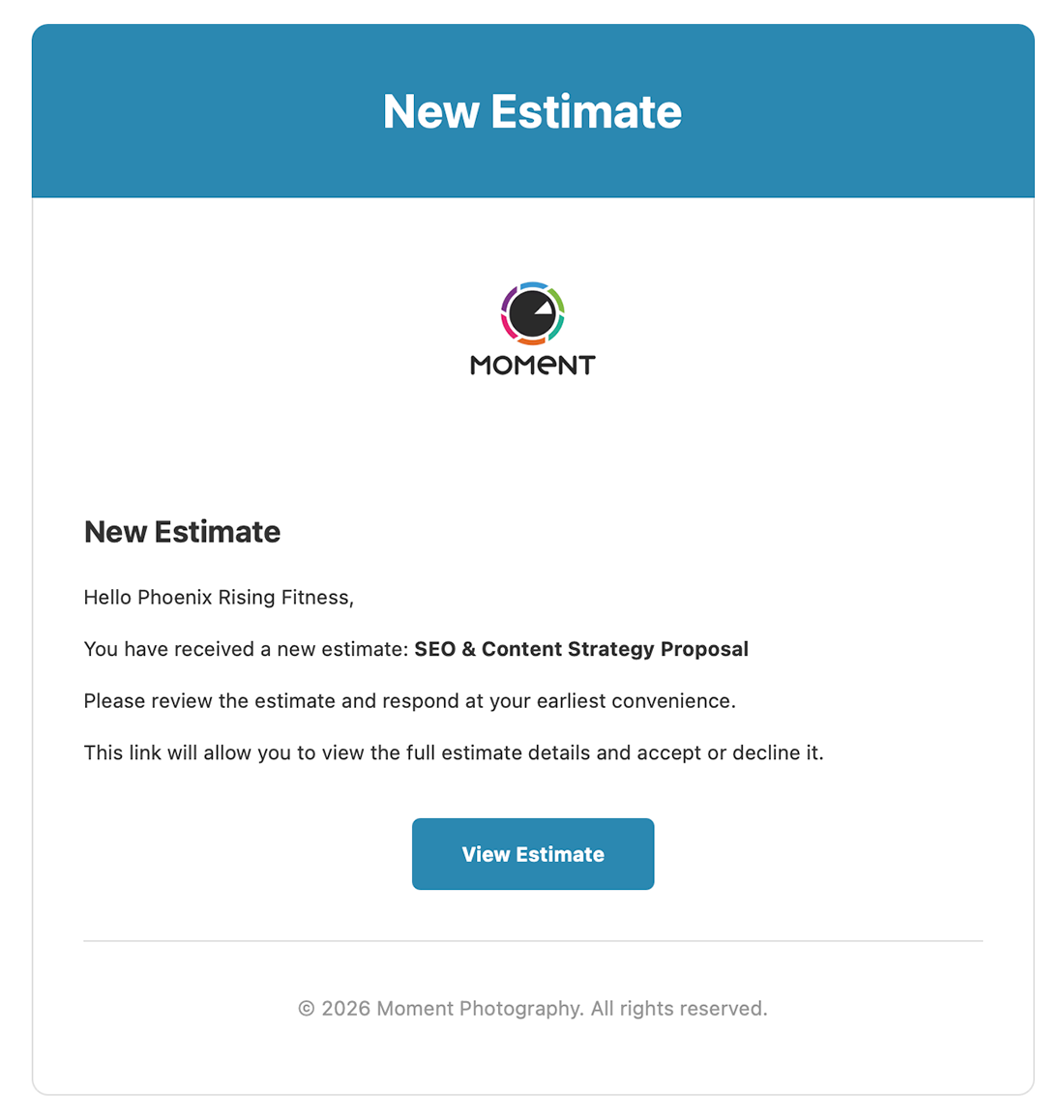
Email directly to client and track estimates as Pending, Accepted, or Declined with clear visual indicators
Online Acceptance
Clients view and accept estimates on a branded page—no PDF attachments needed
Auto-Conversion
When a client accepts, a project is automatically created with all tasks and pricing pre-filled—no action needed from you
How Time Estimates & Proposals Works in hr/glass
Create Estimate
Add line items with descriptions, quantities, rates, and any discounts
Send to Client
Share a branded online page where clients can review all details
Client Accepts
Client clicks accept—you get notified instantly and a project is created automatically
Convert to Project
Accepted Estimates are automatically converted to a project with all tasks and pricing pre-filled



Win More Work with Professional Estimates
Create estimates clients can accept online, then convert to projects with zero clicks


From Estimate to Project
Create detailed, itemized estimates with a mix of fixed-cost and hourly line items, then send clients a shareable link to accept or decline directly in their browser — no account required. Accepted estimates convert into live projects automatically, carrying all line items over as tasks ready for time tracking with zero re-entry.
Who would use hr/glass for Estimates & Proposals?
Freelancers
Send professional proposals that stand out and convert faster than email attachments
Agencies
Standardize proposals across your team with templates and consistent branding
Consultants
Create detailed scope documents that convert to tracked projects seamlessly
James Wright, Web Developer
“My close rate went up 30% when I switched from PDF estimates to hrglass. Clients love the professional online experience.”
Common Questions About Estimates & Proposals
Yes! Clients get a branded page where they can review, accept, or decline your estimate.
A project is automatically created with all tasks, budgets, and details pre-filled from the estimate—no manual steps required.
No! The project is generated automatically the moment the client accepts. You just start working.
Absolutely. Every estimate has a clear status—Pending, Accepted, or Declined—so you always know where things stand.