
To-Do Lists
Stay on top of everything. Personal to-do lists that live alongside your projects. Drag, prioritize, set reminders, and convert to billable tasks when needed.

You've got other things to do as well, write them down and get reminders.
Personal To-Do Items
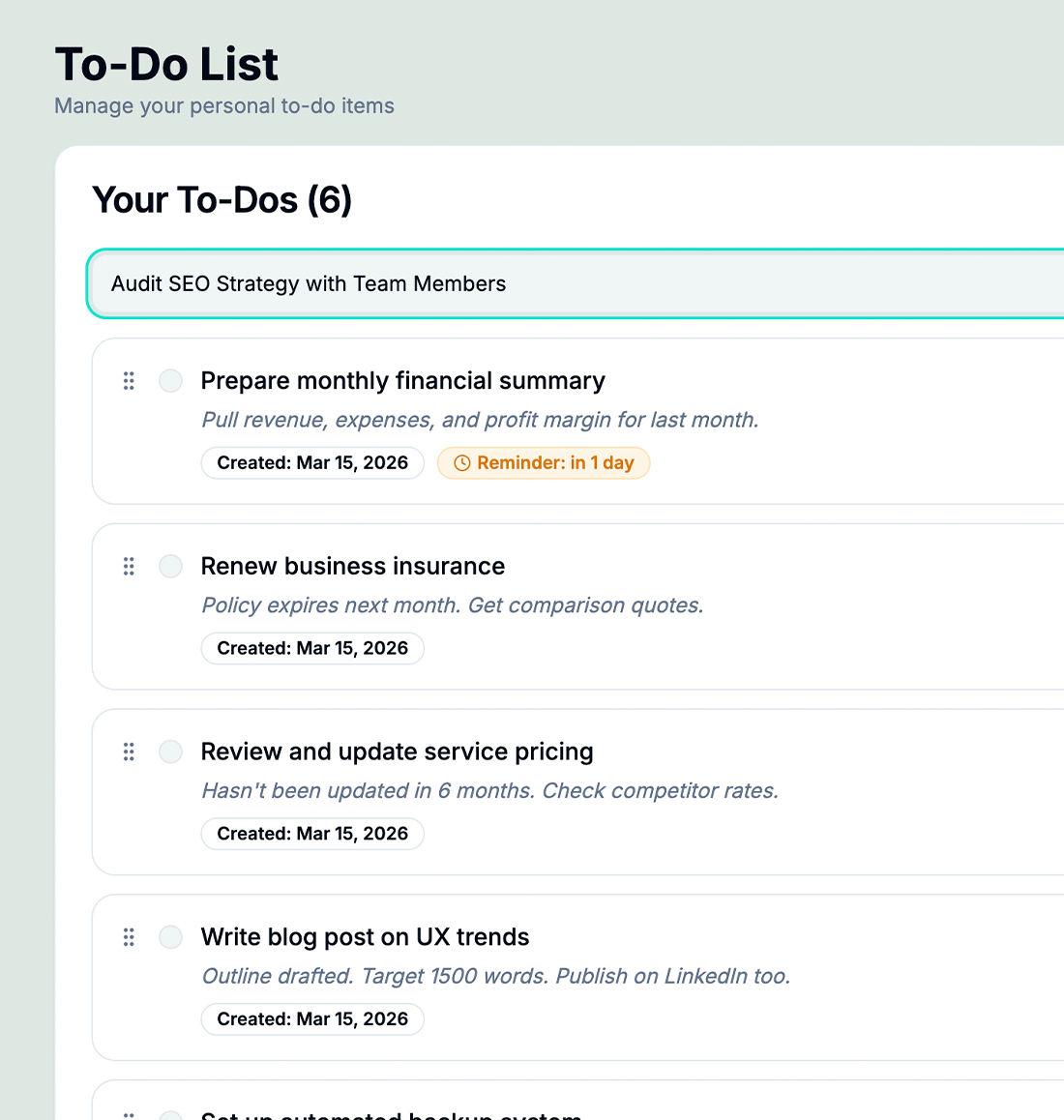
Create personal to-dos that aren't tied to any project—perfect for admin tasks, follow-ups, and ideas.
Inline Editing
Edit titles and notes inline without opening a modal. Update your list in seconds.
Stale To-Do Detection
Items sitting untouched for too long are flagged automatically so you can act or archive them.
Drag-and-Drop Reordering
Prioritize your list instantly by dragging items up or down. Your most important work is always at the top.
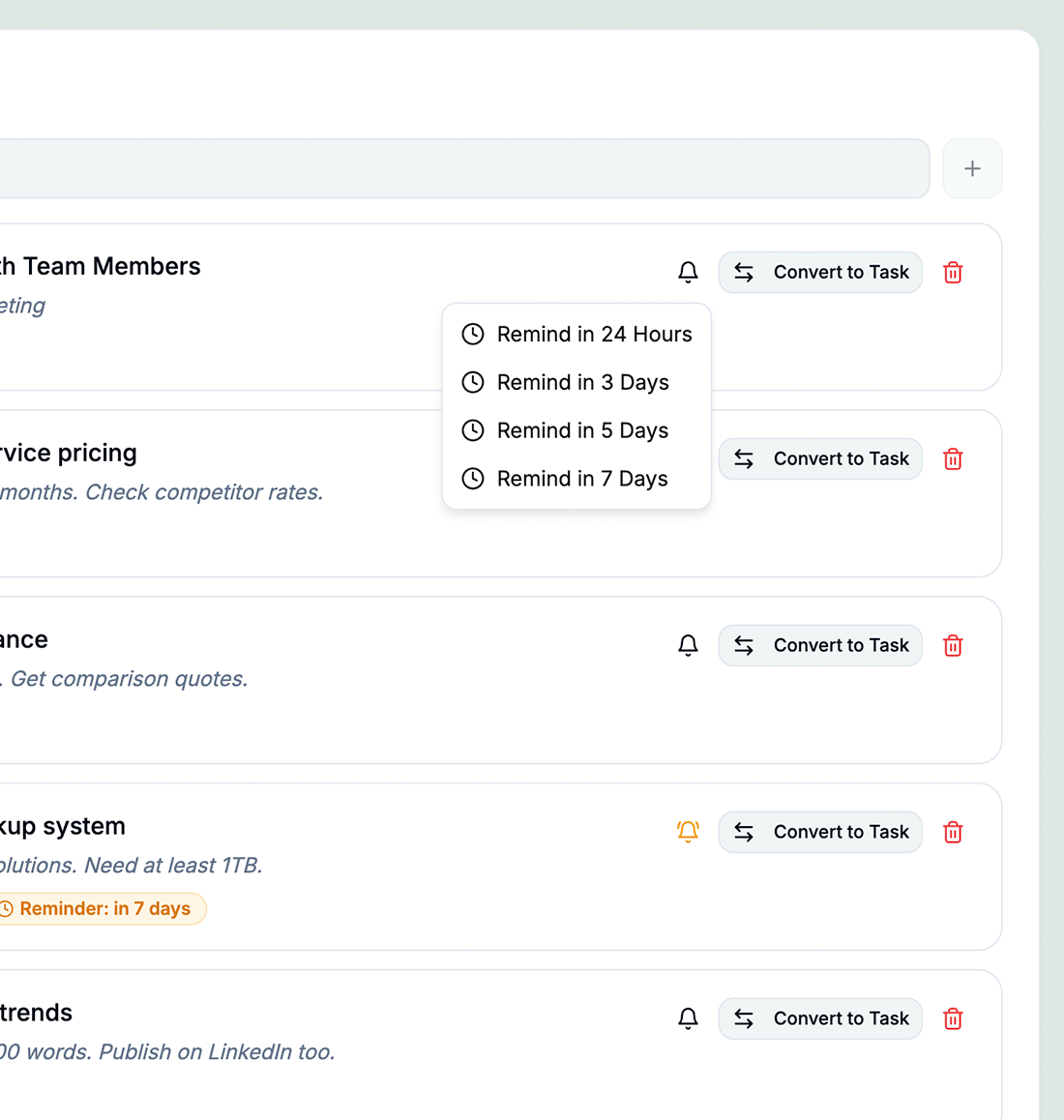
Convert to Project Tasks
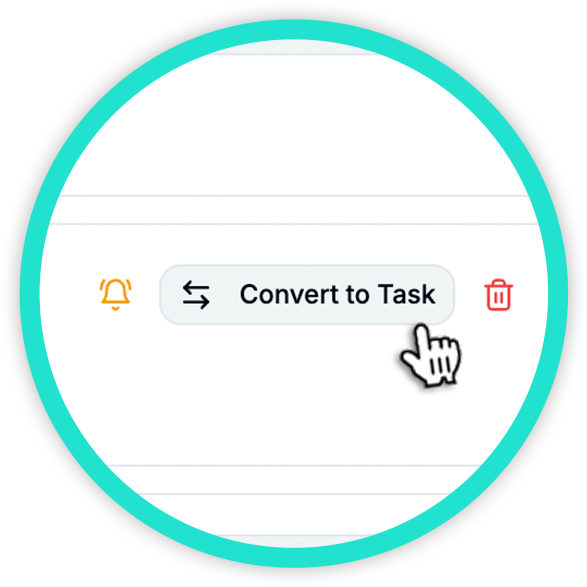
Turn any to-do into a tracked, billable project task with one click. Context carries over automatically.
Reminder Scheduling
Set reminders for X hours from now—get notified before something becomes urgent.
How To-Do Lists Works in hr/glass
Open To-Do Lists
Access your personal to-do list from the sidebar—always one click away.
Add Items Quickly
Type a title, optionally add a note and due date, and hit enter. Done in seconds.
Prioritize & Organize
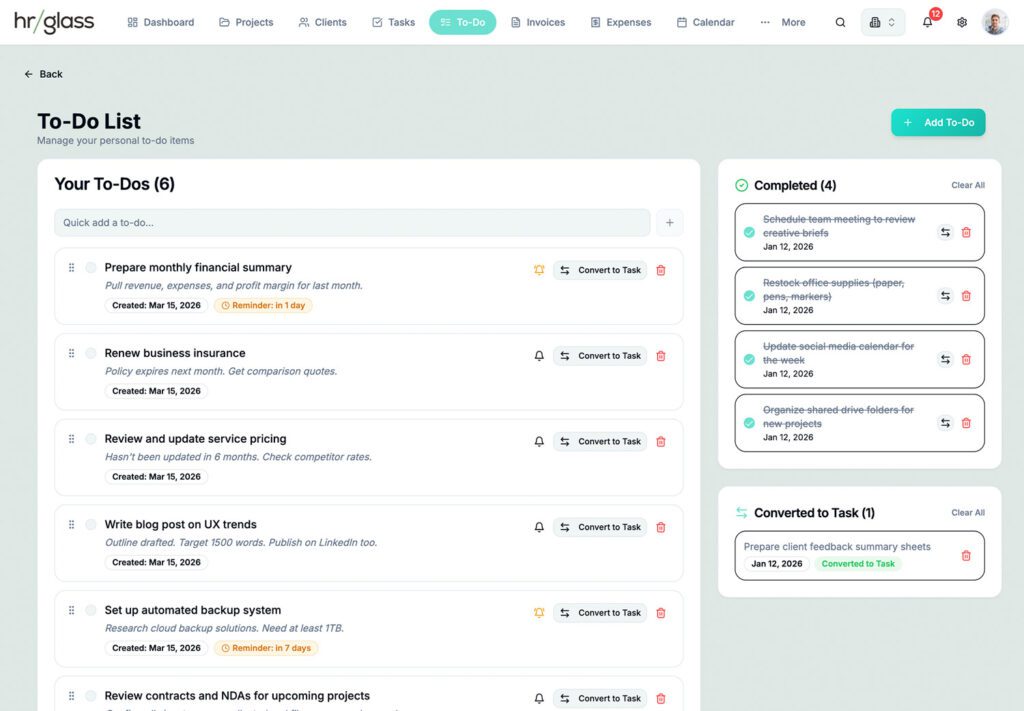
Drag items to reorder, set reminders, and filter between active and completed.
Convert When Ready
When a to-do becomes real work, convert it to a project task with one click.



Keep To-Dos to Yourself, or Convert them to Tasks
Single-click any To-Do to convert it to a billable Task in any Project
One Place for Every To-Do
hrglass gives you a dedicated to-do list that lives right alongside your projects. Drag items to reorder priorities, set due dates with overdue highlighting, schedule reminders, and convert any to-do into a billable project task with one click, so nothing falls through the cracks.
Who Uses To-Do Lists in hr/glass?
Freelancers
Track admin tasks like sending proposals, following up with clients, and updating your portfolio.
Agencies
Keep internal action items—team meetings, tool evaluations, process improvements—separate from client work.
Consultants
Capture ideas and follow-ups during client calls, then convert the actionable ones into project tasks.
Amy Liu, Freelance Copywriter
“I used to keep a separate app just for personal to-dos. Now they live right next to my projects. The convert-to-task feature alone has saved me hours.”
Looking for a Trello Alternative?
Looking for a Trello alternative built for client work, not just task boards? hrglass gives you Kanban project management plus time tracking, invoicing, estimates, contracts, payments, and client billing in one place, so you stop paying for five tools to run one business.
Common Questions About Invoicing
Yes! Connect your Stripe account and clients can pay invoices online with credit card.
Absolutely. Add your logo, adjust colors, rearrange sections with drag-and-drop.
Yes! Set up automated email reminders that go out on your schedule.
Yes! Use the Create New Invoice button, choose the Client, and a list of all invoice-able Projects can be selected.