
Services

Create your services once, then use them throughout the entire app.
Service Definitions
Name, describe, and categorize each service with a fixed cost for consistent reference
Categories
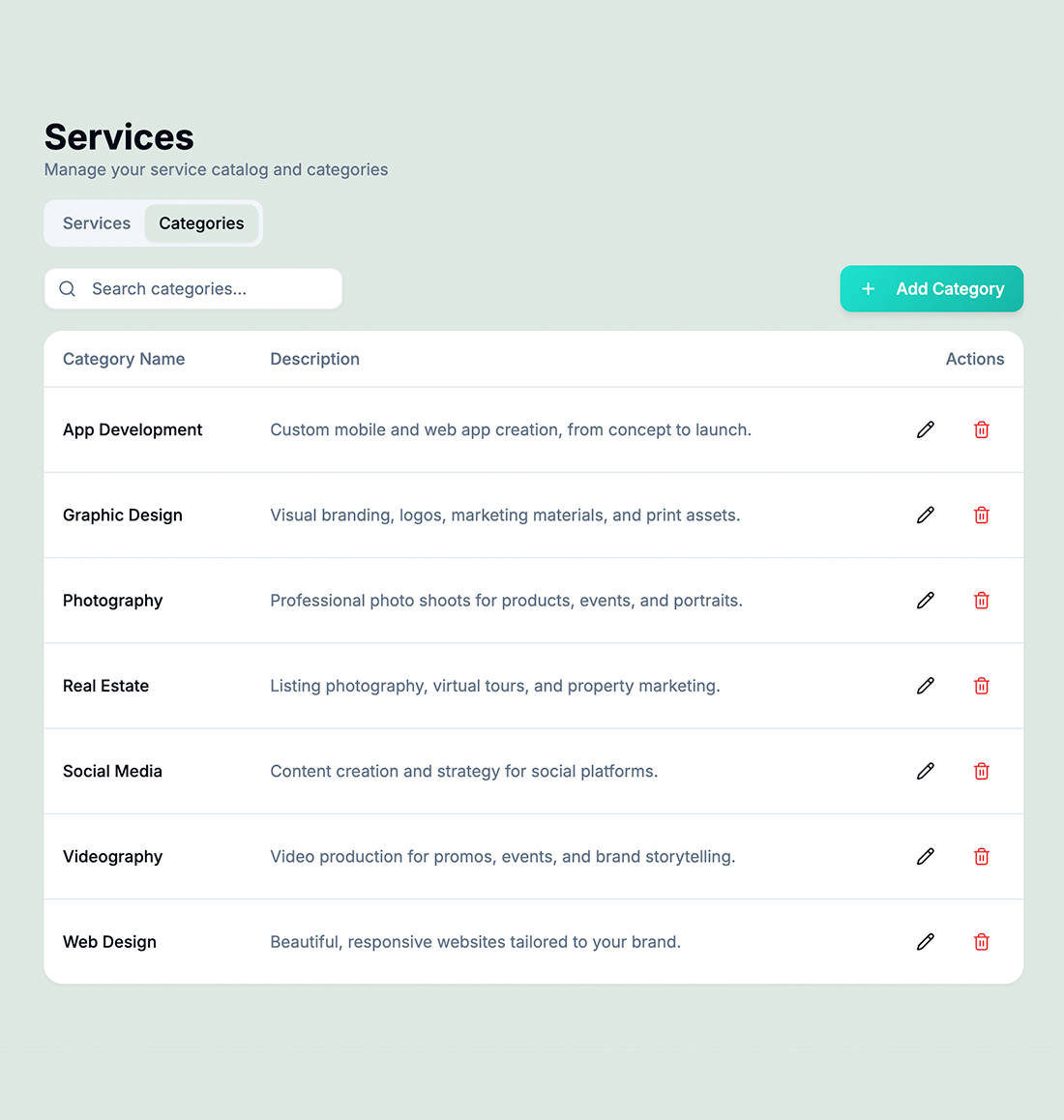
Organize services into categories like Design, Development, or Consulting for easy filtering
Pull into Invoices
Add services to invoices with pre-filled names, descriptions, and prices
Fixed Pricing
Set standard rates for each service—no more guessing or inconsistent quoting
Attach to Tasks
Link services directly to tasks so the cost and scope are defined from the start
Estimate Line Items
Build estimates faster by selecting from your service catalog instead of typing from scratch
How Contracts Works in hrglass
Define Your Services
Add each service with a name, description, category, and fixed cost
Organize by Category
Group services into logical categories for quick lookup
Attach to Work
Link services to tasks, estimates, or invoice line items with one click
Bill Consistently
Every invoice uses the same service names and prices—professional and predictable



Define Your Services Once, Use Them Everywhere
Build a reusable catalog of services


Set the price and add to Tasks or Estimates
When creating a task you simply select a service and the billing type and rate fill in automatically. No retyping rates, no inconsistent pricing across clients, no guesswork. Update a rate once in the catalog and every future task using that service reflects it instantly.
Video Tutorial /Create Services
Assign your global Services to any Task in any Project
Who would use hr/glass for Services?
Freelancers
Standardize pricing across account managers so every client gets the same rate for the same service
Agencies
Build a professional service menu that makes quoting new projects instant
Consultants
Define engagement types with fixed rates and attach them to project tasks
James Liu, Agency Director
“The services catalog eliminated pricing inconsistencies across our team. Everyone quotes the same rate now.”
Common Questions About Services Catalog
The catalog defines standard pricing. You can adjust line item prices on individual invoices and estimates as needed.
No—create as many services and categories as you need.
One Service per Task to keep financial information organized. Create unlimited Tasks with a Service attached.
When you add a service to an invoice, the name, description, and price are pre-filled from your catalog.