
If you’re running a small team or agency and you’re Googling this exact phrase, you already know the real problem. It’s not that time tracking apps are expensive. Most of them aren’t, at least not on paper. The problem is that “budget” gets complicated once you add a second, third, or sixth person to your account. Features that were free or cheap at one seat suddenly require an upgrade. Invoicing, which should be the whole point of tracking time in the first place, is often locked behind a tier you weren’t planning on paying for.
This isn’t a top 10 list ranked by lowest advertised price. It’s a real look at what you actually get at each price point, including the gaps that only show up once you’re managing a team and a real client list instead of a solo side hustle. We’ll go through Harvest, Toggl Track, Clockify, Paymo, TimeCamp, Everhour, ClickUp, and plain old spreadsheets, then talk about where hrglass fits for teams that have outgrown all of the above.
Harvest
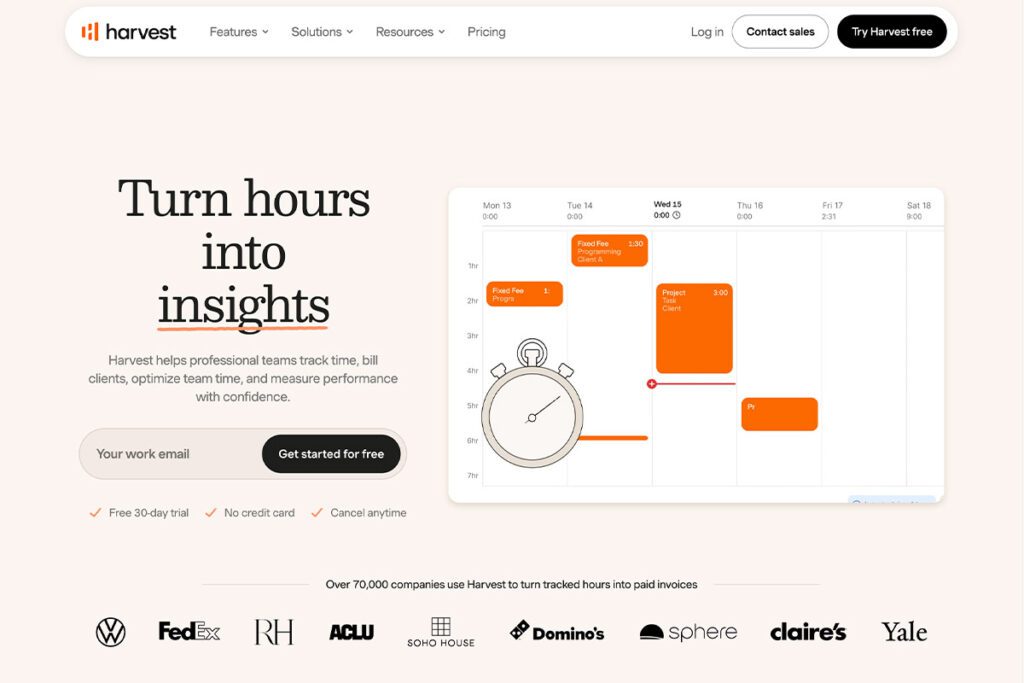
Harvest has been the default answer to “what time tracking app should my team use” for over a decade, and for a long time that reputation was earned. But 2026 has been a rough year for a lot of long-time Harvest customers. The pricing model changed from a simple flat per-seat rate to a Teams/Enterprise structure, with usage-based “Flex” fees layered on top for things like extra invoices, projects, and clients that aren’t obvious from the pricing page itself.
The renewal shock has been real for some teams. A BBC News report documented a UK consultancy whose monthly Harvest bill jumped from $130 to $2,110 at renewal, close to a 1500% increase. A widely shared post in the r/HarvestApp subreddit described a 15-seat team on the old $180/month Pro plan getting quoted $2,162.50/month under the new Enterprise Unlimited package. Not everyone is seeing numbers that extreme, but enough people are that it’s become a running theme in time tracking forums this year.
https://www.bbc.com/news/articles/clyq011414eo
Pricing aside, Harvest’s bigger limitation for teams has always been scope. It’s a time tracking and invoicing tool, full stop. There’s no real project or task management layer, and the billing flexibility is rigid by design. When you create a Harvest project, you choose fixed-fee or hourly billing right there, and that choice applies to the entire project. If your business runs the way most service businesses actually run today, with a mix of hourly work, flat-rate deliverables, and retainers sometimes all under the same client, Harvest forces you to split that into multiple projects just to track it correctly. That inflexibility, more than the pricing changes, is the thing that pushes teams to look elsewhere.
Best for: Teams that already have Harvest workflows memorized and are comfortable watching their renewal pricing closely.
Toggl Track
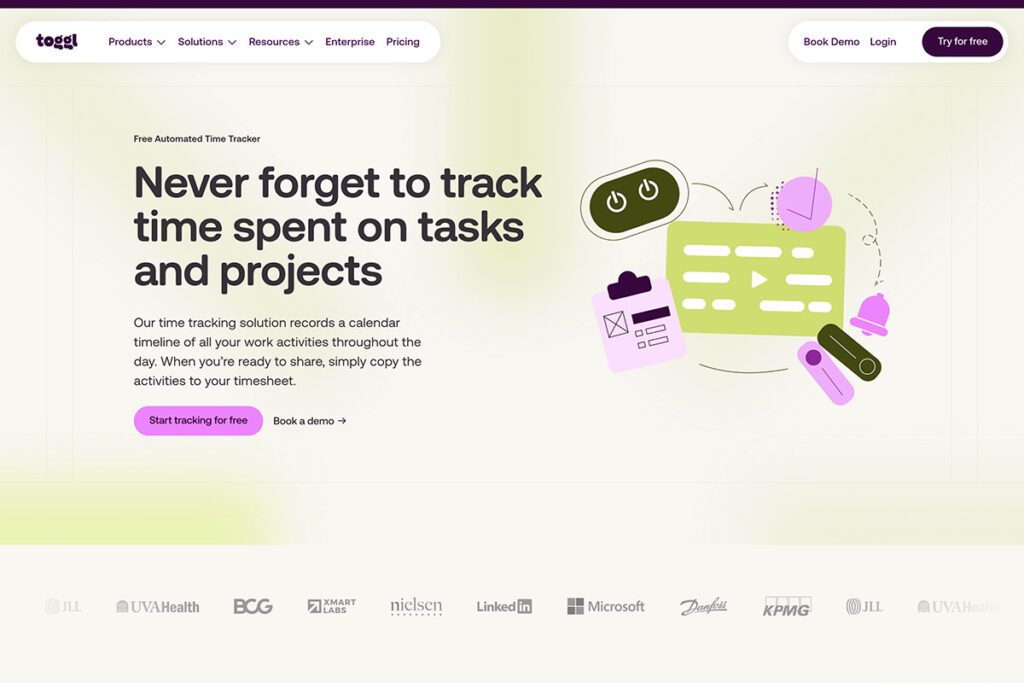
Toggl Track is one of the cleanest, fastest time trackers out there. The timer UI is genuinely nice to use, the free plan supports up to 5 users, and the Starter and Premium tiers ($9 and $18/seat/mo annual) add reporting and project-level permissions that most small teams will actually use.
The catch is invoicing. Toggl Track doesn’t have it, at any tier. If you want to turn tracked hours into a client invoice, you’re connecting it to QuickBooks, Xero, or Zapier and managing a second subscription and a second workflow. For a solo freelancer that’s a minor annoyance. For a small team trying to keep its tool stack lean, it’s a real gap.
Best for: Teams that only need pure time tracking and already have a separate invoicing system they’re happy with.
Clockify
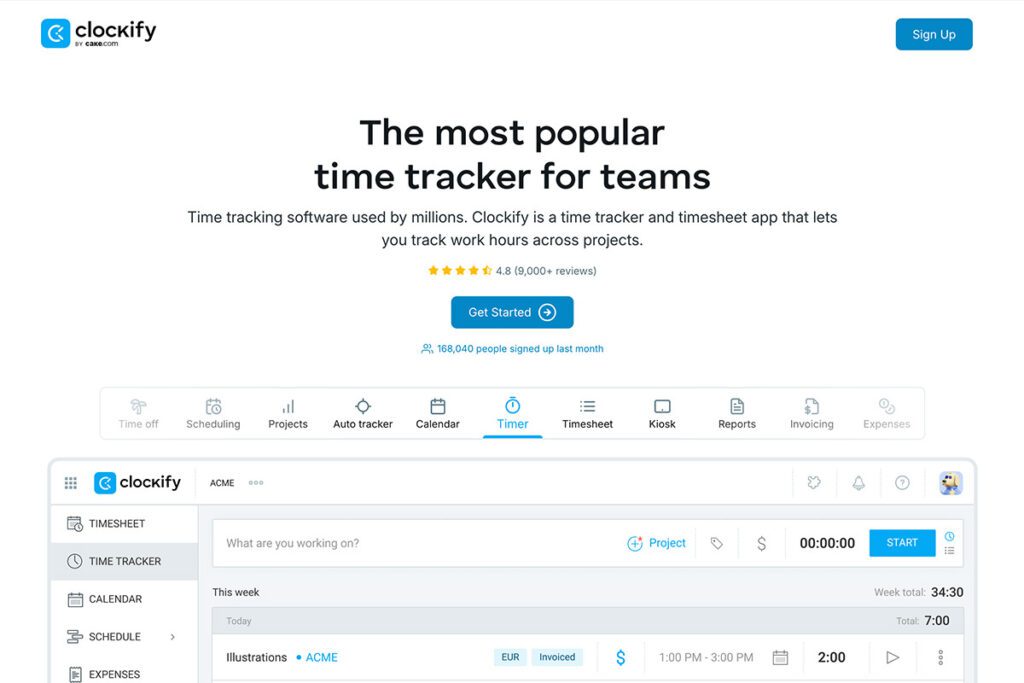
Clockify‘s pitch is “free forever, unlimited users,” and that part is genuinely true. The free plan has no user cap, which makes it a popular starting point for teams that aren’t ready to pay for anything yet.
Where it gets more complicated is once you need more than a stopwatch. Invoicing isn’t available until you’re on a paid tier, and project templates, billable rate overrides, and timesheet approvals get added gradually as you move up through Basic ($4.99), Standard ($6.99), Pro ($9.99), and Enterprise ($14.99 per seat/month). None of those numbers are high individually, but a 5-person team on Pro to get invoicing and approvals working is close to $50/month before you’ve touched a single other tool for project management.
Best for: Teams that want to test-drive time tracking across the whole company for free before deciding what’s worth paying for.
Paymo
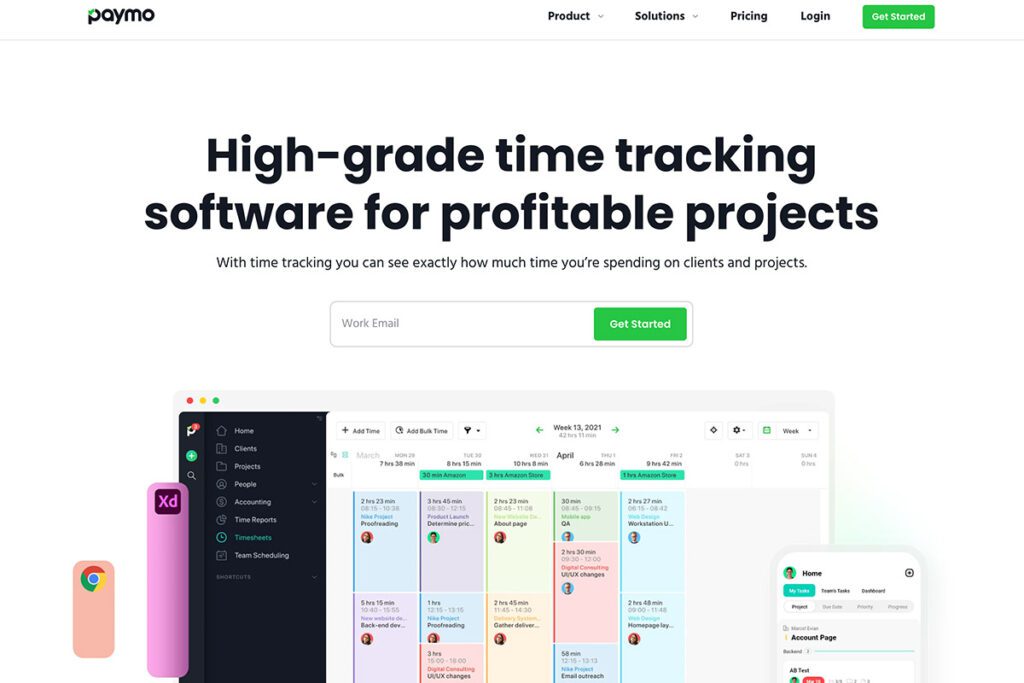
Paymo tries to be a hybrid time tracker and lightweight project manager, and for a lot of small agencies that combination is appealing. You get Gantt-style task views, time tracking, and invoicing in one place, starting at $5.90/seat/mo (Starter) and going up to $16.90/seat/mo (Business) for more automation and resource scheduling.
The free plan caps out at just 3 clients, which is restrictive the moment you’re running a real agency rather than a side project. And while the task management layer is a genuine advantage over pure time trackers, it’s noticeably less polished than tools built specifically for project management, which can leave teams feeling like they got “a bit of everything” rather than something built for how they actually work.
Best for: Small agencies that want time tracking and basic project boards bundled together without buying two separate apps.
TimeCamp
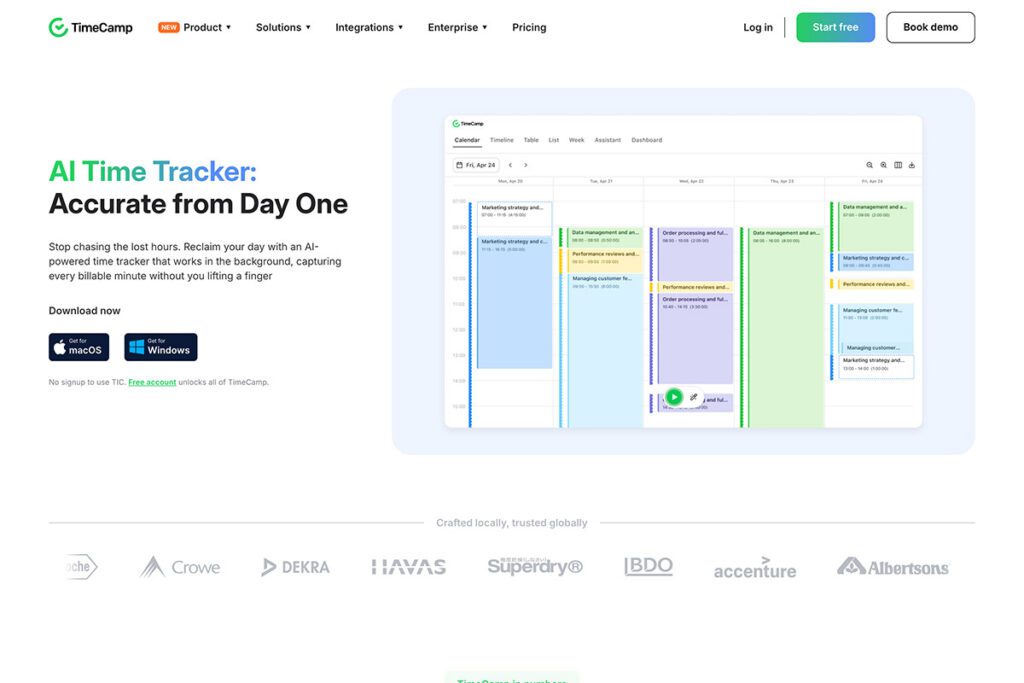
TimeCamp is the budget pick in the strictest sense. Starter runs $3.99/seat/mo annual, Premium is $6.99, and Ultimate tops out at $9.99, all with invoicing included starting at the entry tier. For a team that genuinely just needs time tracking and basic invoicing at the lowest possible price, it’s hard to beat on paper.
The tradeoff shows up in depth. Reporting, integrations, and project management features are noticeably thinner than what you get from similarly priced competitors, and the interface feels more utilitarian than built for teams who are managing client relationships day to day. It does the job, but it doesn’t do much beyond the job.
Best for: Budget-conscious teams that want the cheapest possible entry into paid time tracking with invoicing attached.
Everhour
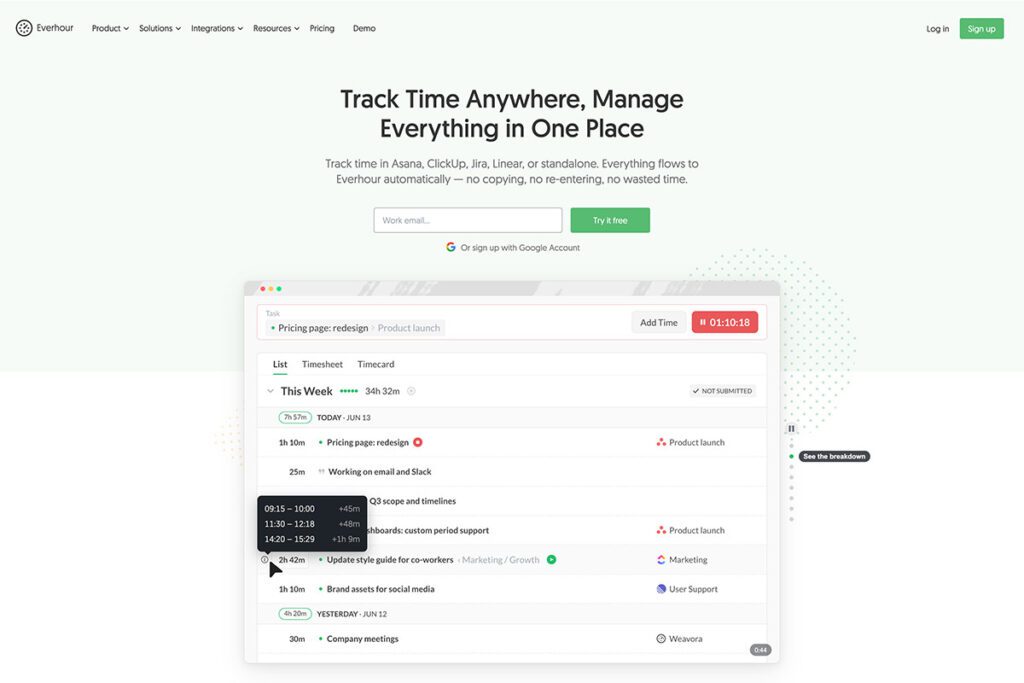
Everhour‘s whole model is built around not being your primary tool. It’s designed to bolt onto Asana, Trello, ClickUp, Basecamp, or Jira as a time tracking layer, which is genuinely useful if your team already lives in one of those apps and just needs the time piece added.
Two things to know going in. First, paid plans have a 5-seat minimum, so even a 2-3 person team pays for 5 seats at $5/seat/mo (Lite) or $8.50/seat/mo (Team). Second, invoicing and budgeting are Team-tier only, so if you want to actually bill clients from tracked time, you’re looking at $42.50/month minimum regardless of how small your team is.
Best for: Teams already fully set up in Asana, Trello, or ClickUp who just need time tracking bolted on, and don’t mind the 5-seat minimum.
ClickUp
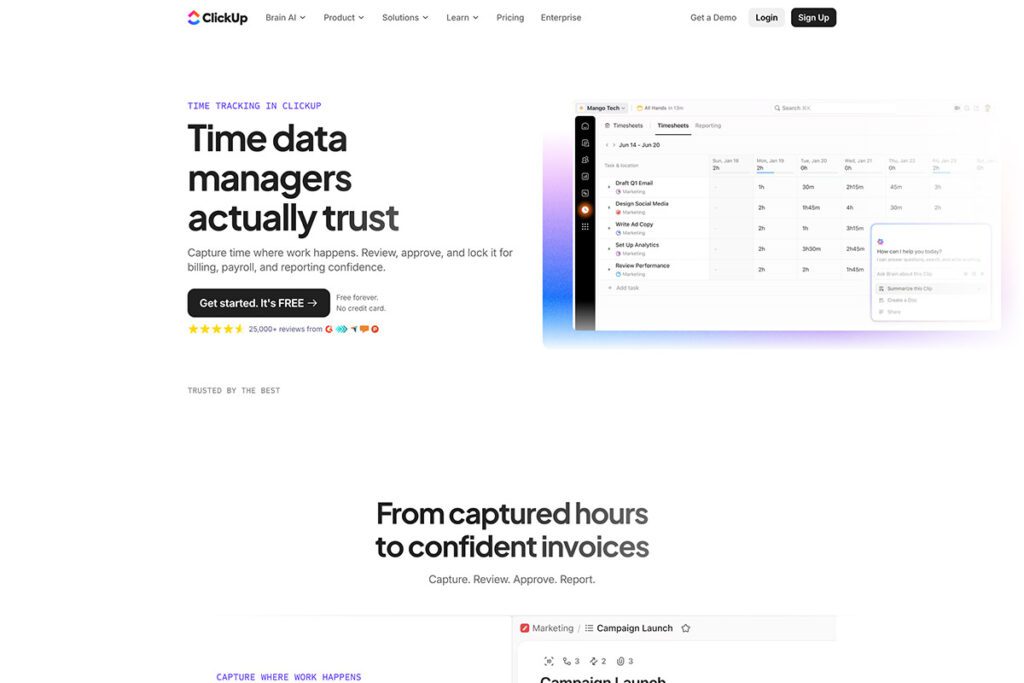
ClickUp is the “big player” option, and if your team’s biggest pain point is project management rather than time tracking, it’s genuinely strong. Unlimited (annual) runs $7/seat/mo and Business runs $12/seat/mo, both with a generous free plan that supports unlimited users right out of the gate.
But ClickUp has no native invoicing at any tier. None. If you’re using it for client work, you’re tracking time in ClickUp, then exporting or integrating with Stripe, QuickBooks, or a Zapier automation to actually get paid. For a team already managing a full ClickUp workspace, that’s a manageable extra step. For a small team specifically looking for time tracking and invoicing in one place, which is the exact search that brought most people to this article, ClickUp alone doesn’t solve the problem. It solves half of it really well.
Best for: Teams that need serious project management and are fine running a separate app for invoicing.
Spreadsheets

Worth mentioning because a lot of small teams start here, and there’s nothing wrong with that. Google Sheets or Excel costs nothing beyond whatever you’re already paying for Google Workspace or Microsoft 365, and for a 2-person team tracking hours on a handful of clients, it can genuinely work for a while.
Where it breaks down is the moment a second person needs to log time without you manually reconciling two tabs, or a client needs an invoice that looks like it came from a real business instead of a formula-heavy spreadsheet. There’s also no approval flow, no automatic retainer tracking, and no audit trail if a client disputes an invoice. It’s a fine starting point, not a long-term plan.
Best for: Brand new teams of 1-2 people who aren’t ready to pay for anything yet.
hrglass
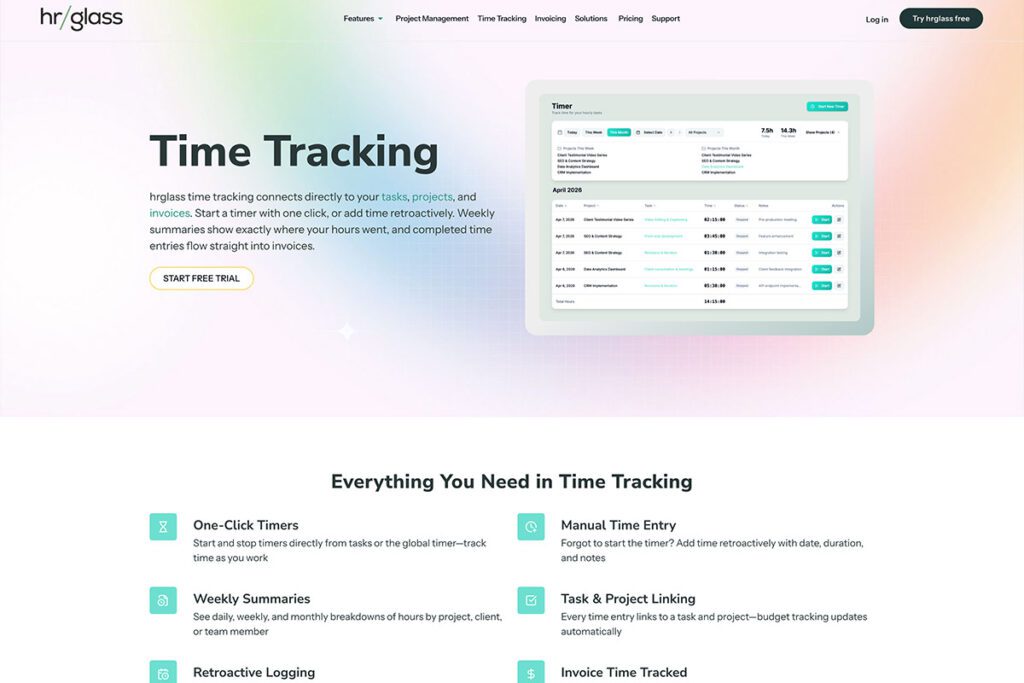
Here’s where we’re obviously not neutral, so take the pitch for what it is. hrglass is built specifically for small service businesses and agencies managing a real client list, not just a single project at a time, and it’s priced to make growing your team something you don’t have to budget around.
The core difference from almost everything above: Pro and Team plans both get the full feature set. There’s no “upgrade to unlock invoicing” or “pay more to get approvals” tier-gating. A 3-person team on the Team plan at $12/seat/mo (annual) gets the same invoicing, reporting, and automation as a 15-person team. You’re not paying extra just to reach feature parity with what a bigger competitor calls their “basic” plan.
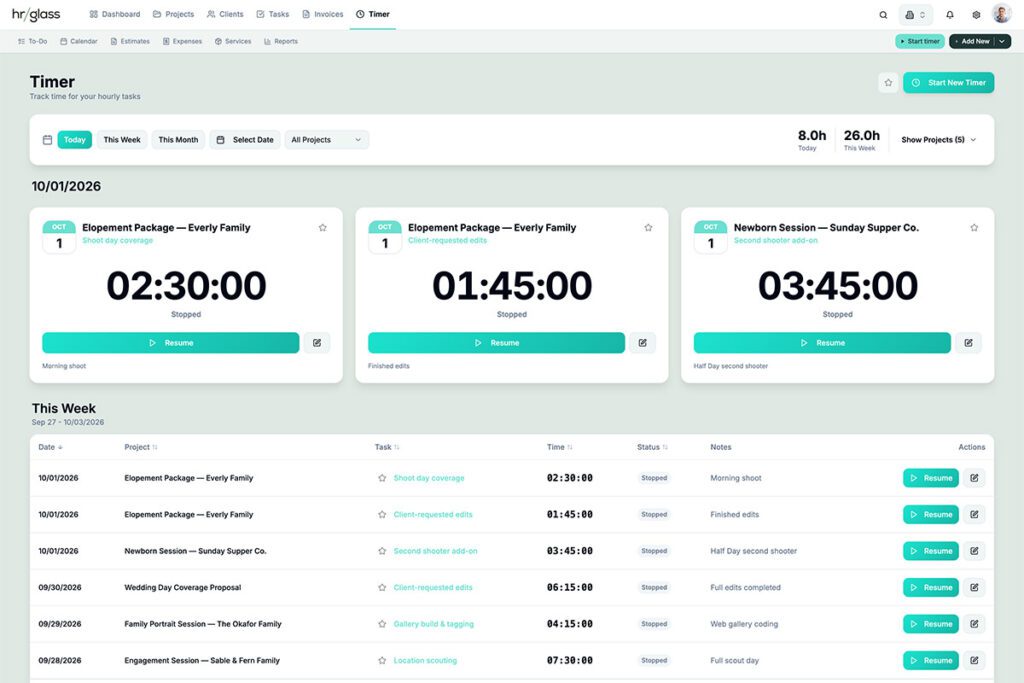
For teams specifically, here’s what’s actually in there:
- Invoice retainers that track live balances as a client’s prepaid hours or budget get used, instead of you manually subtracting from a spreadsheet.
- Recurring invoices on a schedule, so monthly retainer or subscription clients get billed automatically without you remembering to do it.
- Team collaboration and assignments, including an internal @mentions system so team members can tag each other directly on projects, tasks, and to-dos, with notifications and a dedicated “My Messages” inbox. This is the kind of thing you’d normally need a separate team chat tool for.
- Multiple billing rates per team member, so your senior designer and your junior editor can have different billable rates on the exact same project without creating workaround projects to handle it.
- Favorite tasks and instant timers, so starting a timer on recurring work doesn’t mean digging through a project tree every time.
- Timesheets with approval workflows, so hours get reviewed and locked before they hit an invoice, not after.
- Expense tracking with its own approval flow, separate from timesheet approvals.
- A Services portfolio, which lets you define fixed-rate products or services once (a logo package, a video edit, a consultation block) and attach them to any task or project, mixing flat-rate and hourly billing in the same place without splitting work into multiple projects.
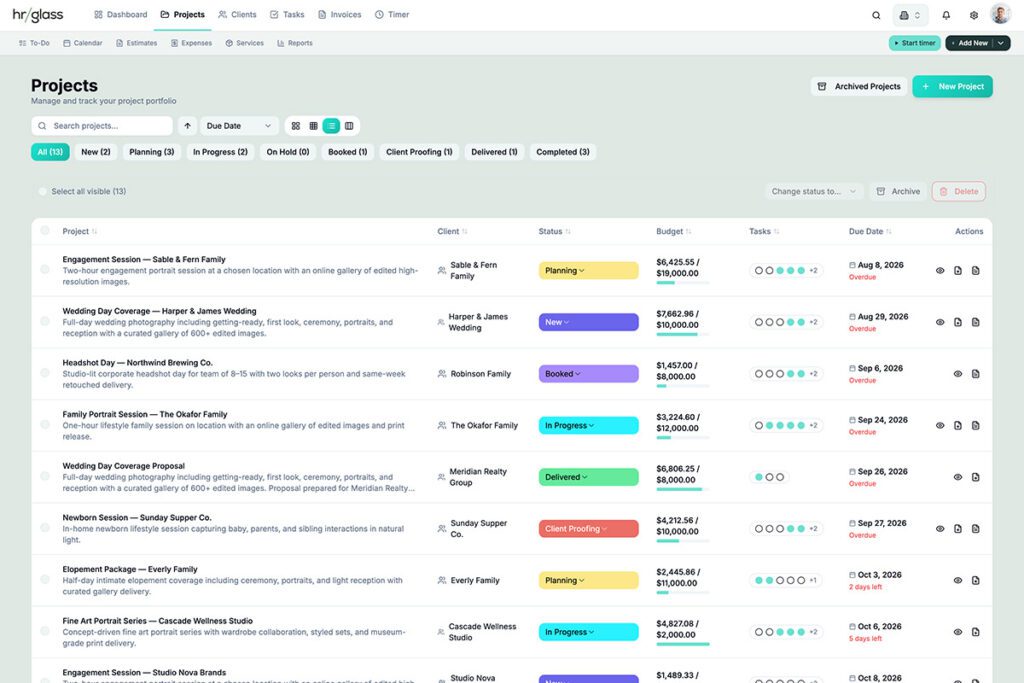
On top of the team-specific pieces, the core of the platform covers the fundamentals most of the apps above only handle partway:
- Project management, with real task boards for every project instead of just a time log attached to a client name.
- Multi-project invoicing, so you can pull time, expenses, and billable work from several projects into one client invoice instead of generating a separate invoice per project.
- To-do lists, for the smaller, standalone items that don’t need a full project or task structure.
- Custom project and task statuses, so your workflow stages match how your team actually talks about work instead of being stuck with generic defaults.
- Estimates and Expenses, so you can send a client a quote before work starts, convert it straight into a project once approved, and track costs per project or client along the way.
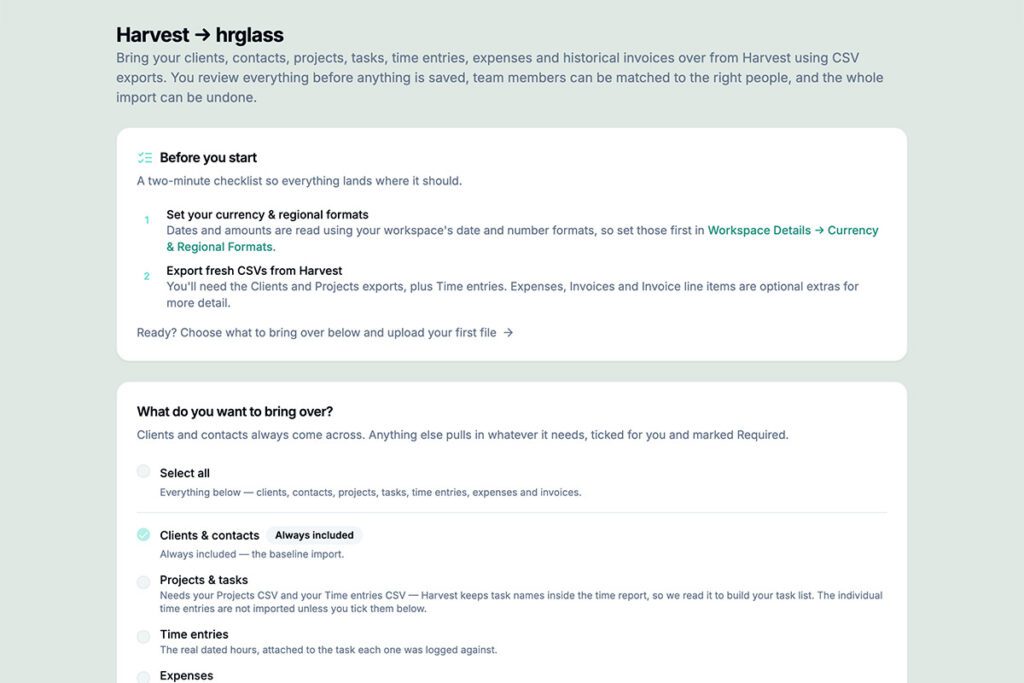
If migrating years of client and invoice history is what’s keeping you from switching, there’s a built-in Harvest Migration Wizard that imports your clients, contacts, projects, tasks, time entries, expenses, and invoices directly from a CSV export. It’s fully available to everyone, including free trial accounts, so you can see your actual data in hrglass before deciding anything.
Best for: Small teams and agencies, especially those managing 10 or more clients, who want time tracking, project management, team collaboration, and invoicing in one place without paying extra to unlock the features that make a team plan actually usable as a team.
Which one should you actually pick
- Currently on Harvest and nervous about your next renewal: hrglass, especially with the Migration Wizard handling the data move for you.
- Just need a timer and already have invoicing sorted elsewhere: Toggl Track or Clockify.
- Need serious project management and don’t mind a separate invoicing app: ClickUp.
- Already live inside Asana, Trello, or ClickUp: Everhour, if the 5-seat minimum works for your team size.
- Want the cheapest possible paid option: TimeCamp.
- Still on spreadsheets with 1-2 people: If that’s working for you, great, no reason to fix what isn’t broken. But if you’re already feeling the cracks (a missed hour here, an invoice that doesn’t look quite professional), hrglass is a solid next step before you outgrow spreadsheets completely.
Pricing, if you’re at that point

Two plans, and both include the full feature set. Nothing is locked behind a higher tier just because you’re paying less. The Team plan adds collaboration tools for working with other people; it doesn’t unlock features that should’ve been included from the start. If you want to see it in action, there’s a 14-day free trial.
Frequently Asked Questions
FAQ: Best Time Tracking Apps for Small Teams on a Budget
What’s the best Harvest alternative for teams in 2026?
It depends on what pushed you off Harvest. If it’s unpredictable renewal pricing, hrglass offers flat per-seat pricing with no usage-based fees and a direct Harvest data importer. If you only need a timer and already have invoicing handled, Toggl Track is a simpler, cheaper switch.
Is there a free time tracking app for small teams?
Clockify’s free plan supports unlimited users, and ClickUp’s free plan also has no user cap, though neither includes invoicing. Toggl Track’s free plan caps out at 5 users. None of the free options include full invoicing, so plan on a paid tier once you need to bill clients from tracked time.
What’s the best time tracking and invoicing app for teams, not just solo freelancers?
Look specifically at whether invoicing is included at the tier you’d actually be paying for, not just whether the app has invoicing somewhere in its feature list. Paymo, TimeCamp, Everhour (Team tier), and hrglass all include invoicing in a team-appropriate plan. Toggl Track and ClickUp don’t include it at any tier.
Do I need project management features in a time tracking app, or can I just add it later?
If you’re billing a mix of hourly and flat-rate work for the same clients, or you need to assign and track tasks across more than 2-3 people, it’s worth starting with a tool that combines both rather than bolting on a second app later. Migrating time and invoice history between two separate tools is more work than most teams expect.